Cookies.
We use essential cookies to keep auth and voting working. Optional analytics + error tracking help us improve. Choose what you're OK with — Essential + optional analytics. policycookie policy.
Use Tab to focus map controls and markers, arrow keys to pan, plus and minus to zoom, and Enter or Space to open a marker popup. Prefer a list? Browse markers by category.
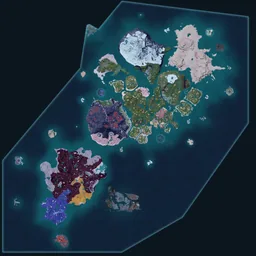
Palworld doesn't ship with a built-in completion meter — Pindrop's interactive map is that meter. Click any marker to expand its popup and hit "Mark as found"; the marker dims and your progress saves locally on the spot. Sign in with Google or Discord and the same checklist syncs across desktop, tablet, and any device you sign in on later.
The categories that drive the bulk of "100%" claims in the Palworld community: every Lifmunk Effigy spent at a Statue of Power, every Sealed Realm cleared once for its rare-Pal capture, every fast-travel statue activated, and every Syndicate Tower boss killed (Hard Mode counts as a separate clear). Use the sidebar's category toggles to hide layers you've already cleared and stay focused on what's left.