For YouTubers and streamers
Use PinDrop maps in your videos
I'm Yurii, and I make PinDrop's interactive maps on my own. If a map helps you show where something is, put it in your video or stream. It's free, you don't need to ask, and a credit is all I ask for.
The credit, for your description or on screen
Map: PinDrop (pindrop.gg)
Or link the map you used, for example https://pindrop.gg/palworld/map. Wording is up to you.
Show the map on screen
Screen-record any map, zoom in, turn layers on and off, mark pins as found. Free for videos and streams. All I ask is a credit.
The credit line →Send viewers to the exact spot
Open a pin and press Copy link. The link opens the map on that pin, so a viewer lands where your video points.
How links work →Embed it on your own page
Have a companion blog post or a wiki page? One line of HTML puts the live map there, free, with no sign-up.
Pick a game →
Links that open on the right pin
Open the pin
Find it on the map or with the search box, and click it.
Press Copy link
In the pin's popup. The link carries the pin, so the map opens on it.
Paste it
In your description, a pinned comment or a chapter note.
Need a view a link cannot give, like several layers at once or one area framed? See ask for a custom view below.
Every map you can use
Open the map to record it, or take the embed code for your own page. The embed adds a small “Powered by PinDrop” line you can switch off.
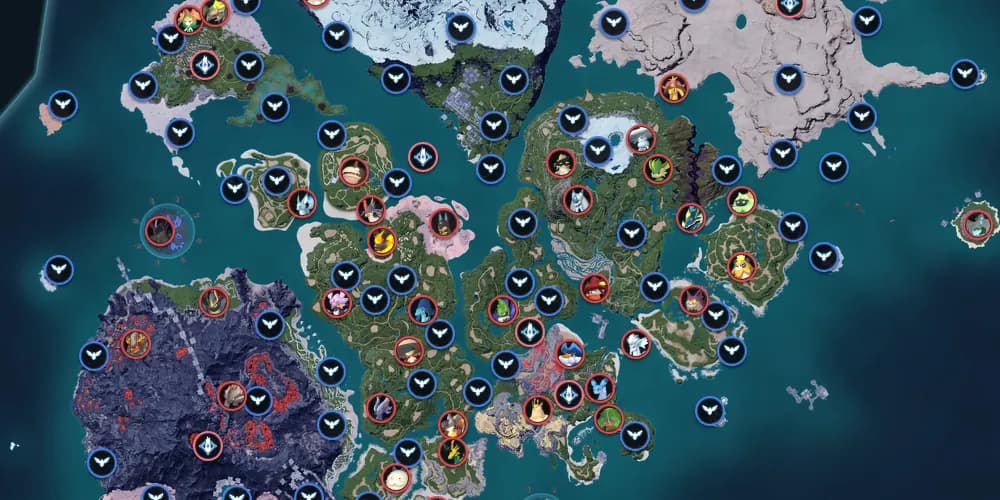
Palworld
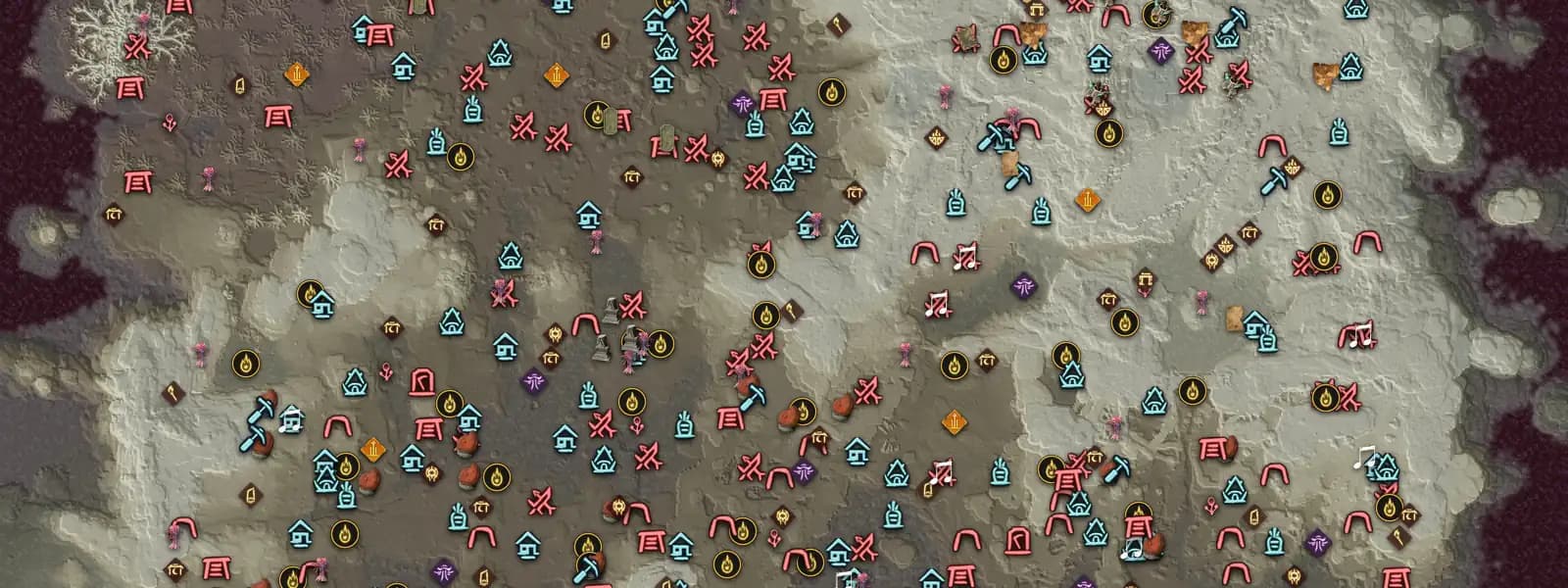
Enshrouded
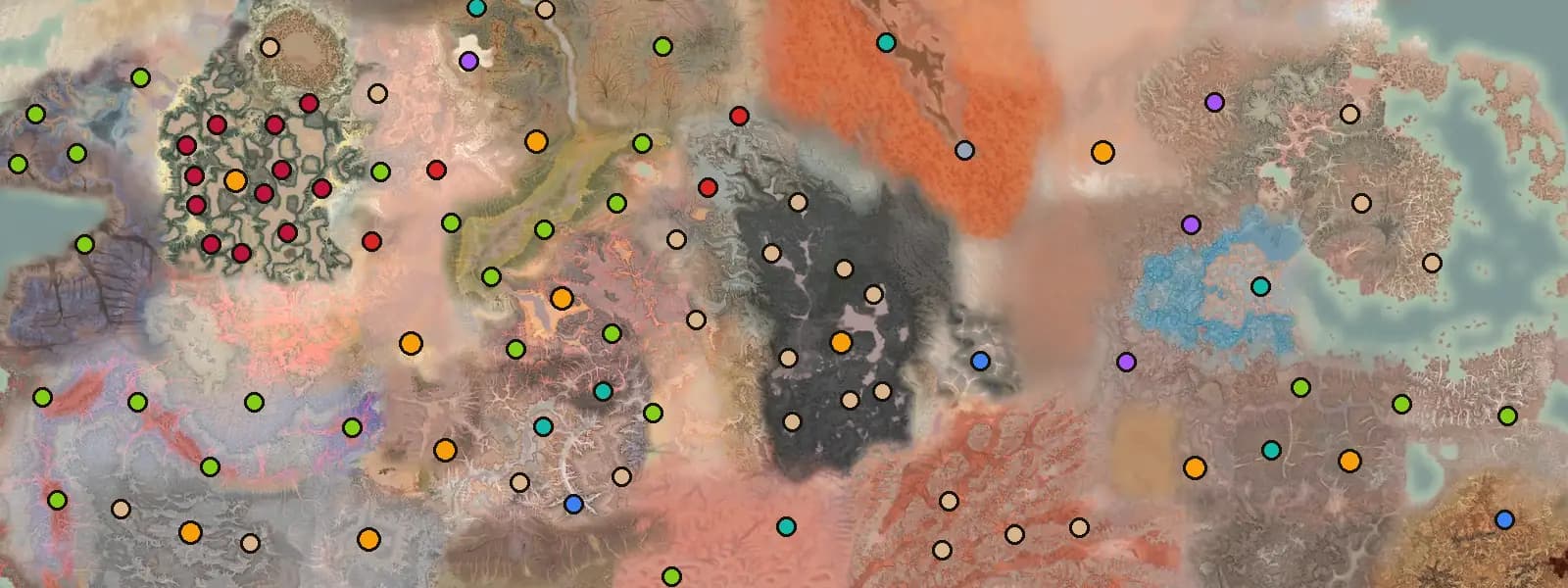
Kenshi
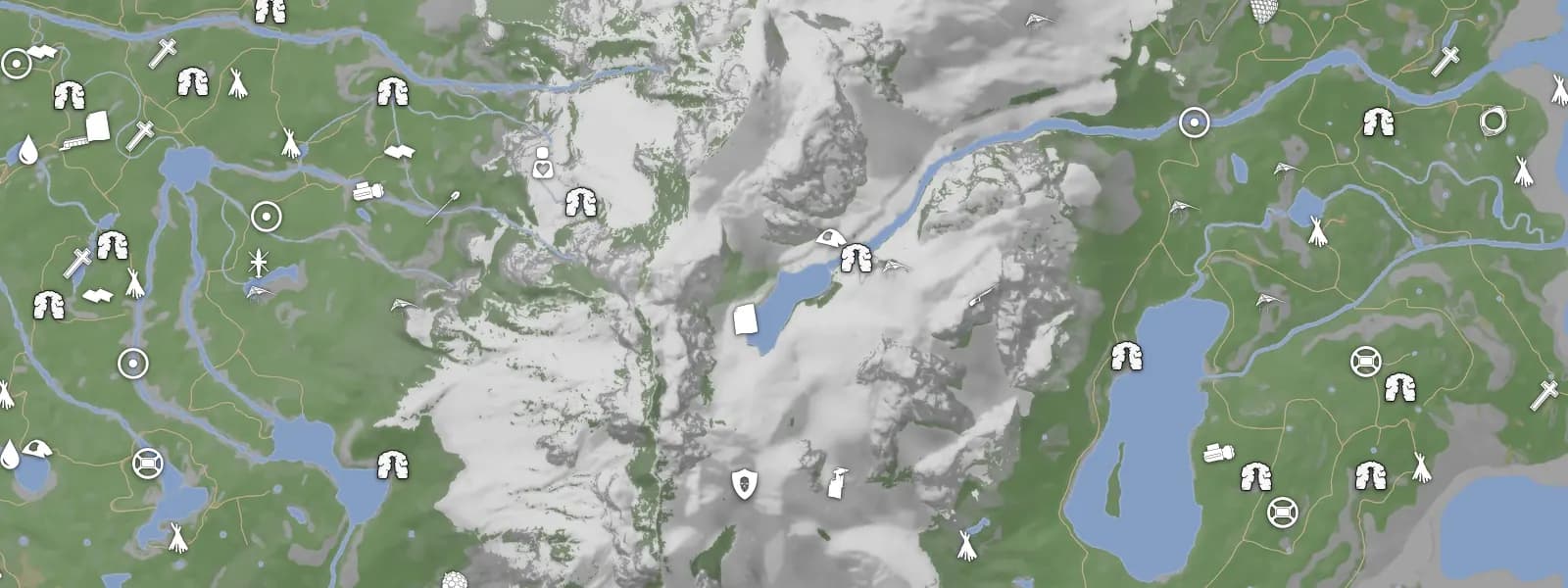
Sons of the Forest
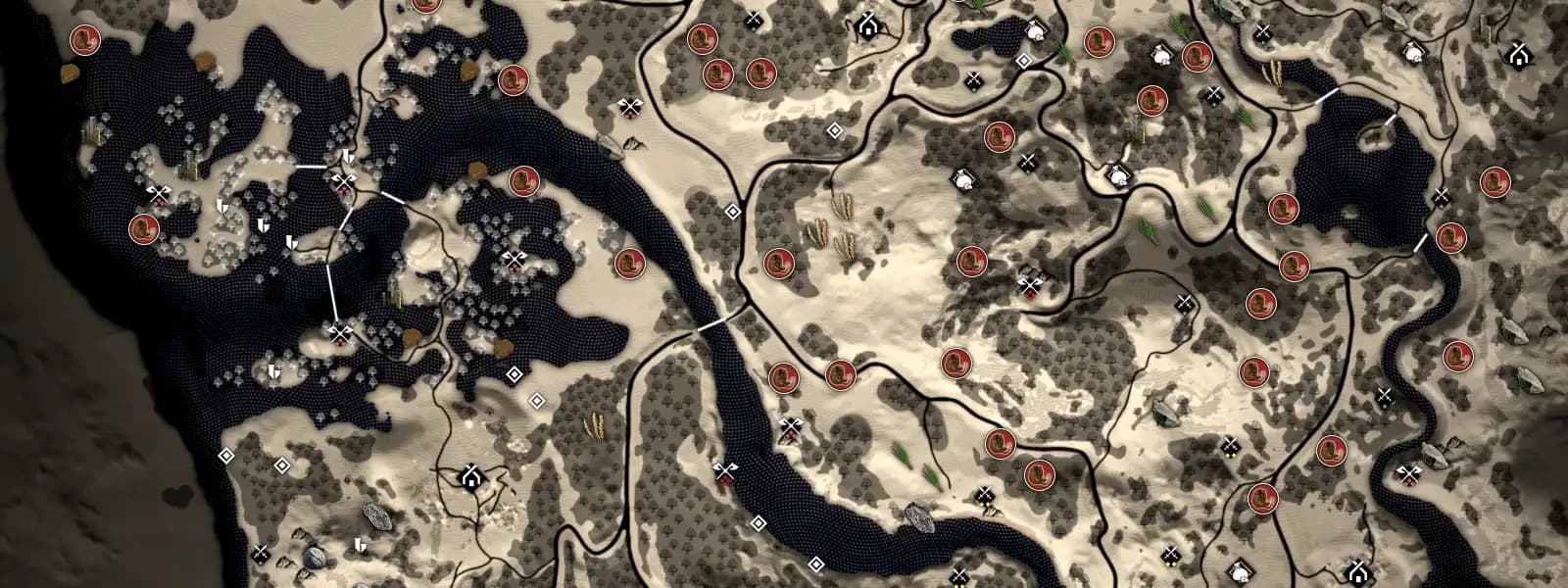
Bellwright
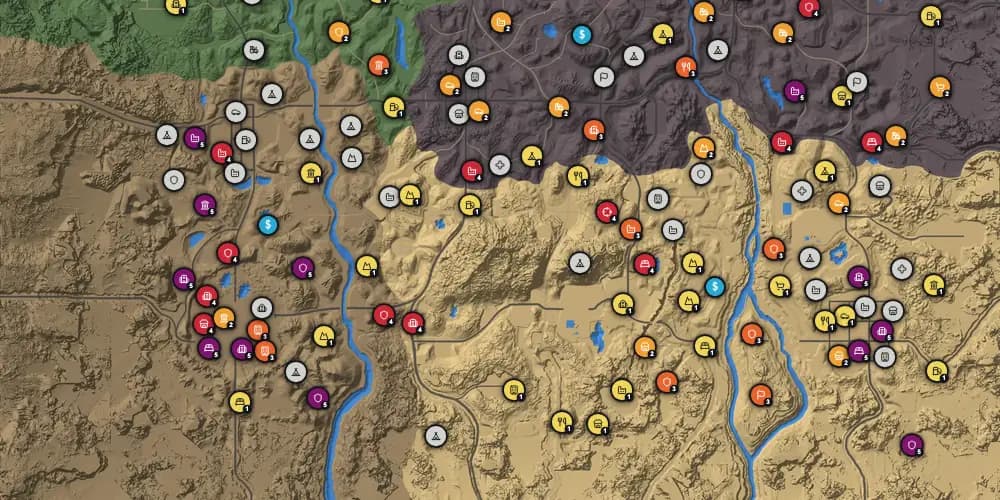
7 Days to Die
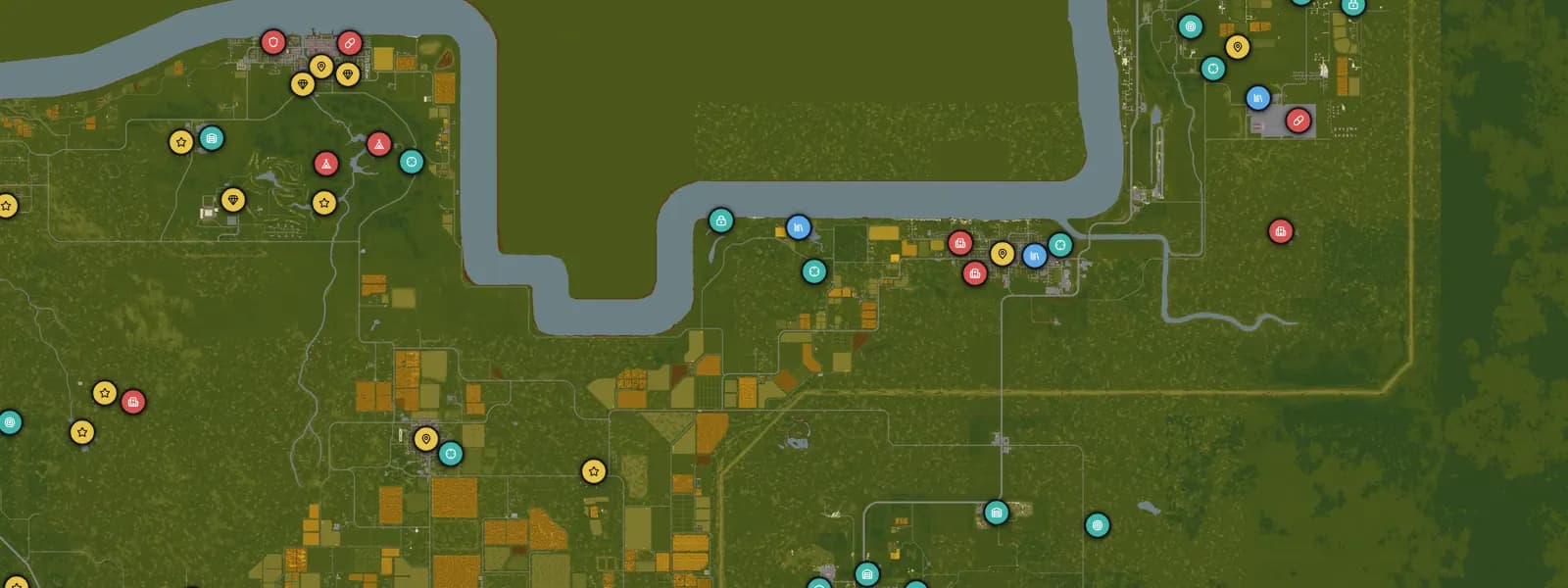
Project Zomboid
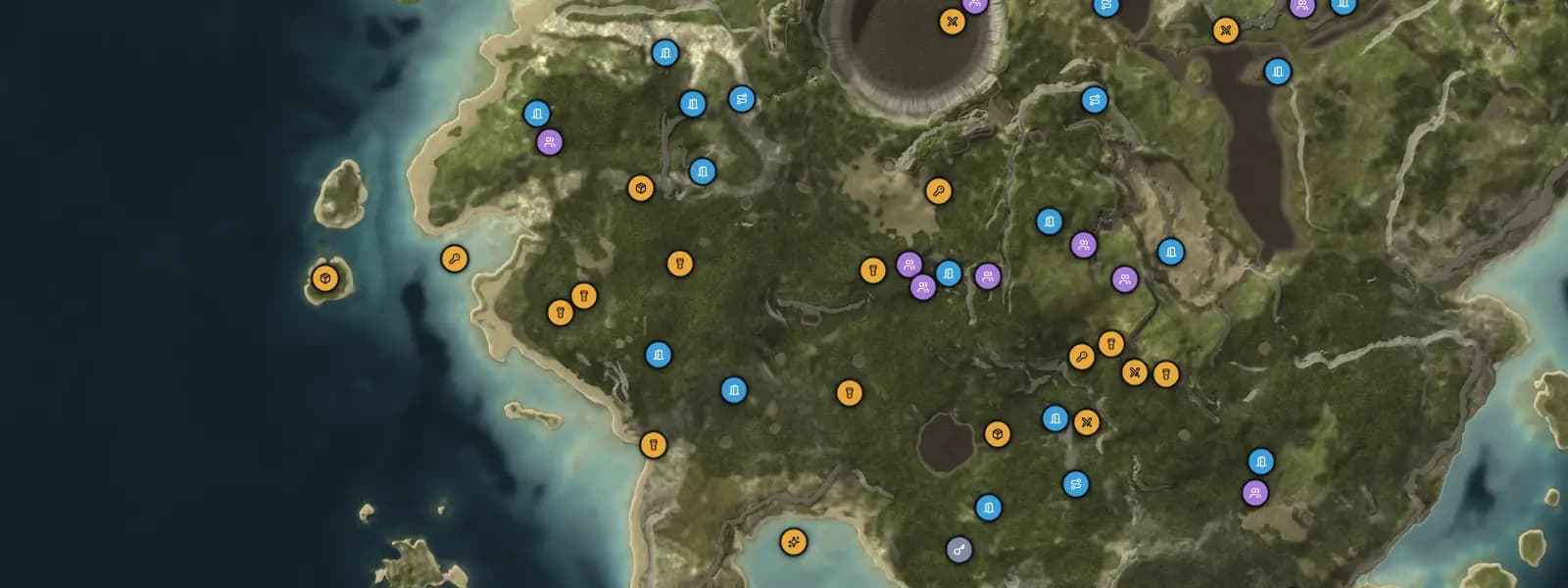
The Forest
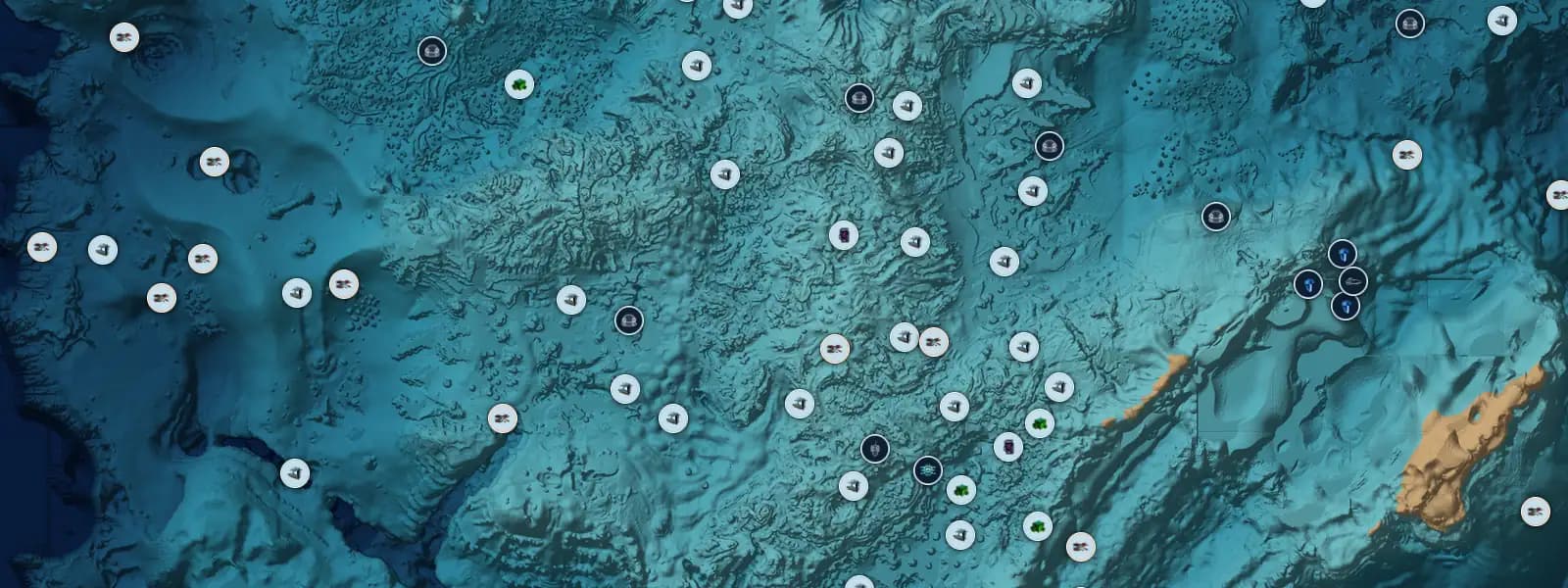
Subnautica
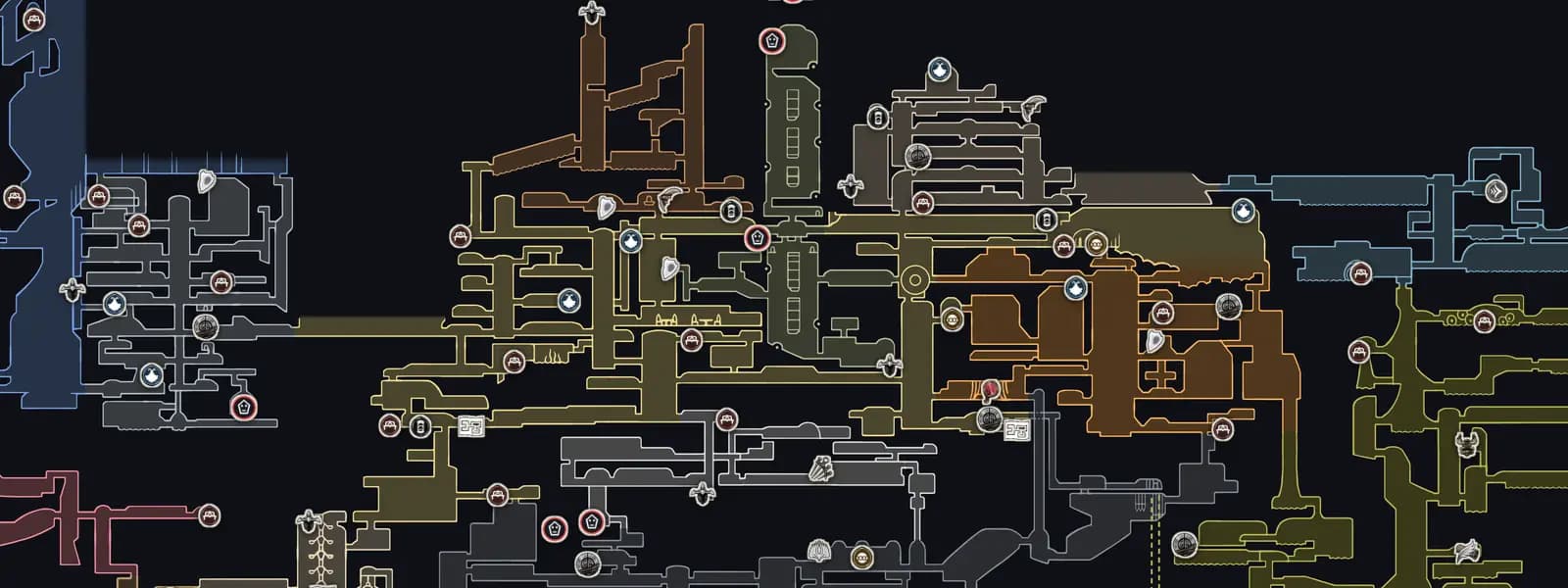
Hollow Knight: Silksong
Subnautica 2
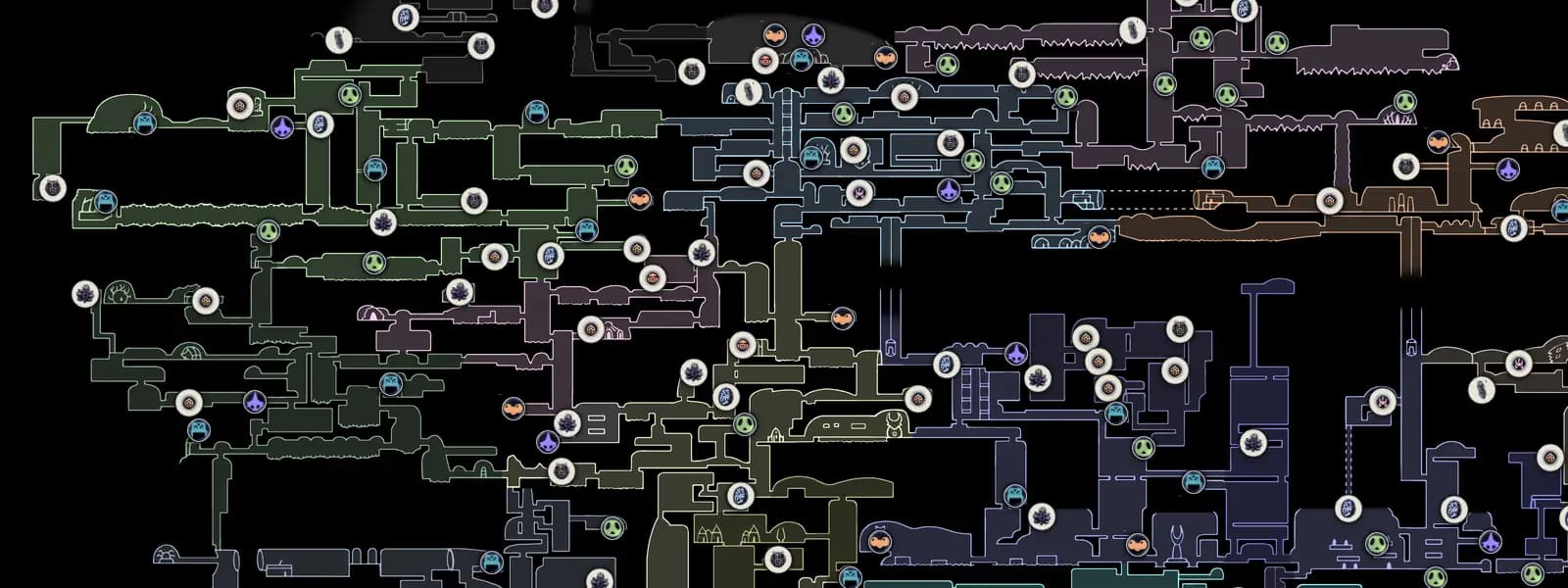
Hollow Knight
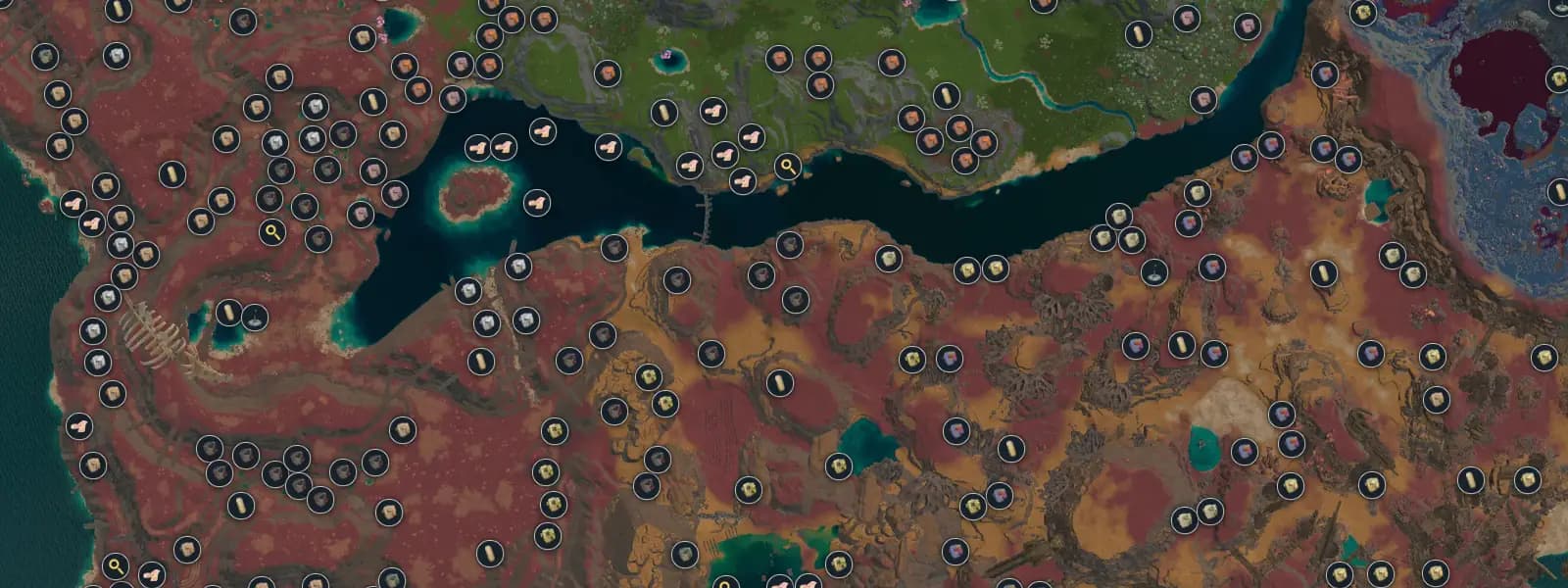
Lightyear Frontier
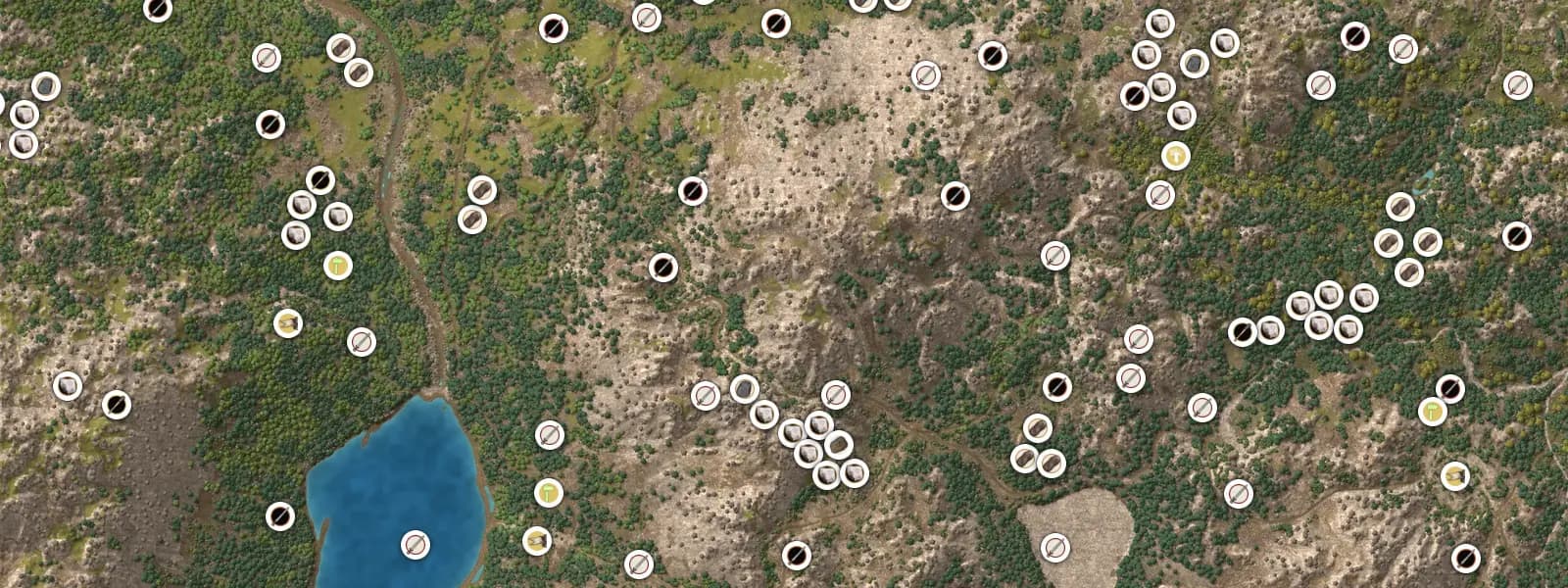
Medieval Dynasty
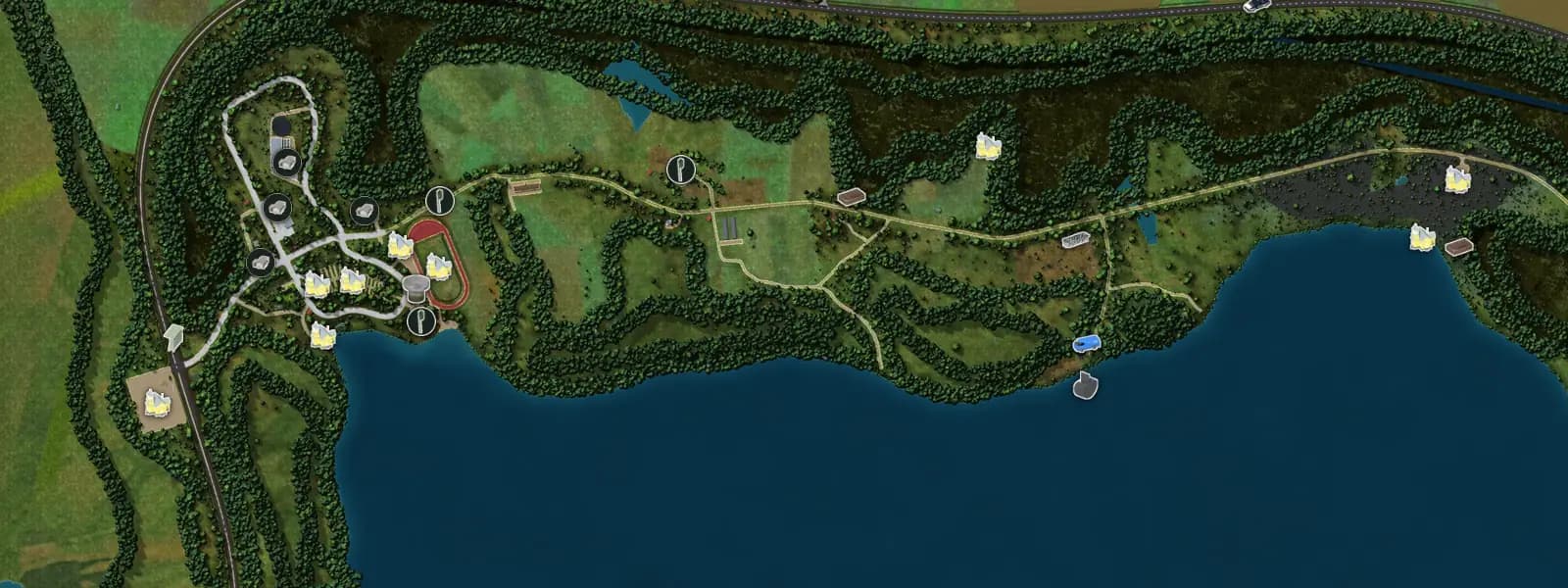
My Summer Car
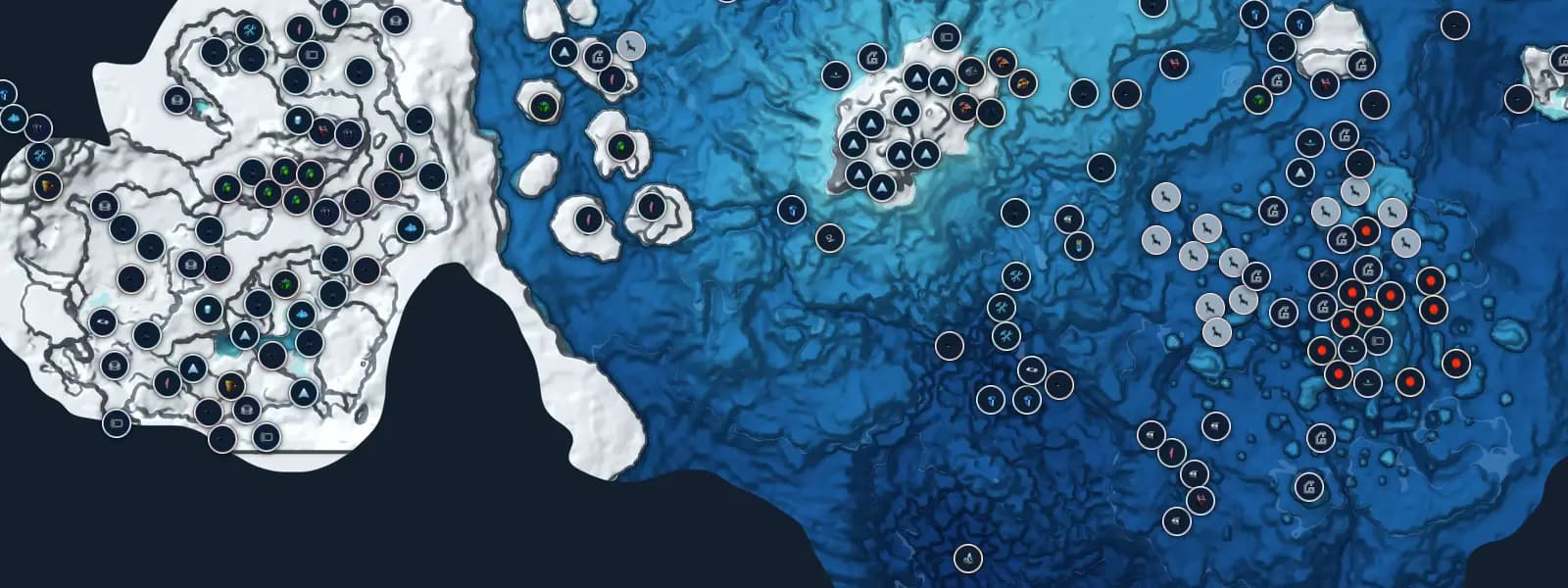
Subnautica: Below Zero
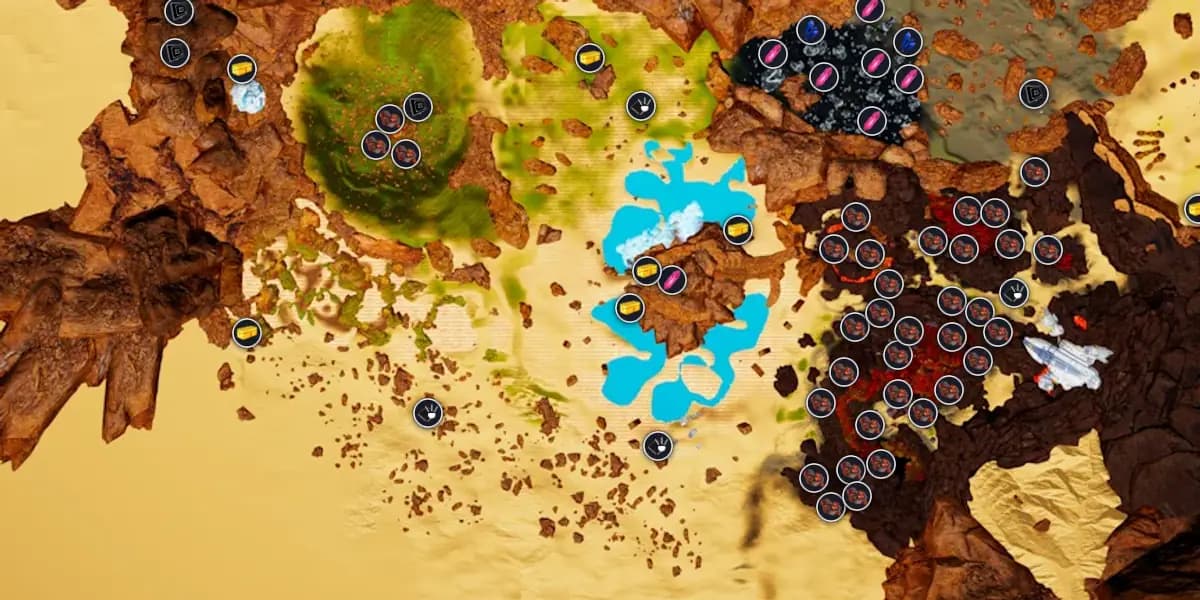
The Planet Crafter
Ask for a custom view or link
Write to yura@pindrop.gg with [Video] in the subject. Tell me the game, what you want on screen (which pins or layers, which area) and when your video goes out. I read every message and will tell you honestly whether I can make it.